Free Vacation Rental Listing Sites: What Hosts Actually Get
A free listing does not always mean a commission-free booking. Learn how to compare listing charges, booking commissions and optional subscriptions, then publish a free Chucho public listing that gives guests another route to your host booking site.
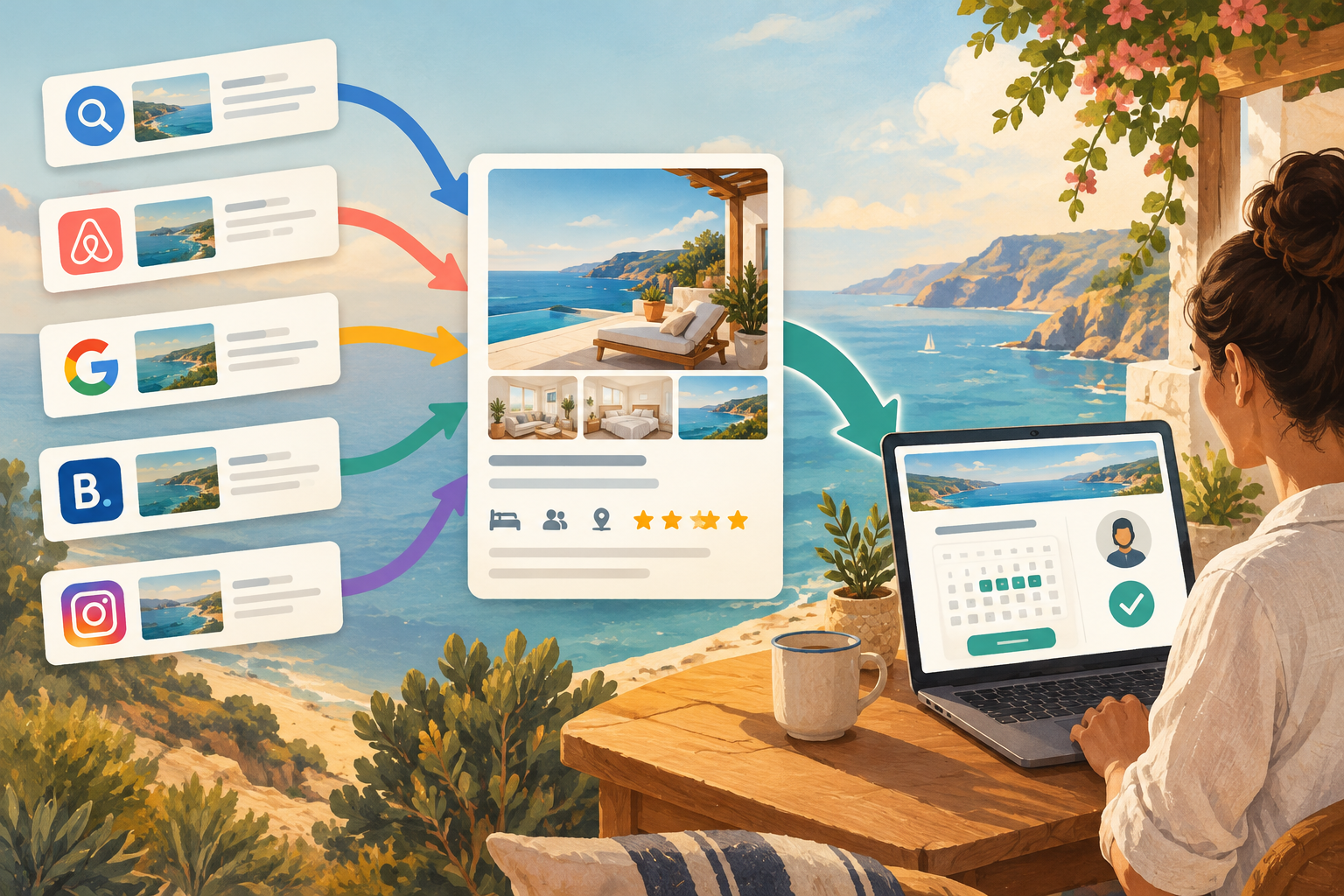
Free vacation rental listing sites can give your property another way to be found, but “free” needs a precise definition. A platform may charge nothing to publish while charging for bookings or optional services. Chucho currently offers unlimited free public listings and free guest guides for every property, with no credit card required. It creates another route to your host booking site; final booking terms and payment remain there.
The useful question is not simply whether a listing costs money. It is what you receive, what a guest can do next, and which charges or responsibilities apply after discovery.
What does a free listing actually include?
Separate three types of charges before comparing offers:
• Listing charges: Fees to create, publish or maintain a property page. Check whether free publication is ongoing or a temporary promotion.
• Booking commissions: Charges associated with a reservation. A free listing can still sit within a commission-based booking model.
• Optional subscriptions: Paid services that may add functionality beyond the basic listing. Evaluate these separately rather than assuming every feature is included.
Other costs may exist outside the listing platform. For example, your host booking site or payment provider may have its own charges. A free discovery page does not remove those costs.
For Chucho, the current free offer includes unlimited public listings and guest guides for every property, with no credit card required. Do not read that as a promise that every optional service is free or that a booking made elsewhere has no associated costs.
Compare like-for-like offers, not headlines
When evaluating a provider, consult its official pricing page, applicable terms and checkout information at the time you decide. Record the date and distinguish confirmed inclusions from unclear ones.
Use the same questions for every option:
• Can you publish a public property page without paying?
• Is there a booking commission, and who pays it?
• Does the guest book on the platform or continue to your host booking site?
• Which services are optional, and can you use the listing without subscribing?
• What information can you review or update?
• Where are cancellation rules, taxes, deposits and payment conditions presented?
For example, one offer might provide a free public page that links to a host’s booking site. Another might provide free publication but process reservations under its own fee structure. Both can honestly describe publication as free, but they offer different booking journeys.
Choose according to your needs: an additional discovery route, a booking transaction service, or optional guest-support tools. These are not interchangeable products.
Prepare the property facts and booking destination
Before publishing, gather the information a guest needs to decide whether to continue: location, sleeping arrangements, maximum occupancy, key amenities and relevant property rules. Keep descriptions specific. “Two bedrooms and a separate living area” is more useful than “perfect for everyone.”
Choose the correct host booking link. Ideally, it should open the relevant property or a clearly identifiable booking page, rather than leave guests searching a general homepage.
Check the destination on a phone as well as a computer. Can a guest identify the property, enter dates and guest numbers, review the applicable terms, and understand how payment works? Your public listing should not promise details that the booking destination contradicts.
Publish on Chucho: paste, review, publish
Start with Chucho’s public-listing signup.
1. Paste your property link. Use the link for the property you want to publish, rather than a generic portfolio page where possible.
2. Review the facts. Check the property name, description, location, occupancy, amenities and any information presented during setup. Correct inaccuracies before publication; do not assume a pasted link makes every detail current.
3. Confirm the host booking link. Make sure it points to the intended destination and does not lead to another property, an expired page or an unrelated enquiry form.
4. Publish the public listing. Review the guest-facing page for clarity and consistency.
5. Test the onward journey. Follow the booking link yourself and check that guests can reach the host booking site successfully.
Suppose your property sleeps four, but an older description mentions an extra sofa bed that is no longer available. Correct that discrepancy before publishing. The same principle applies to changed amenities or house rules: an additional listing should clarify the offer, not multiply outdated information.
Another road to your host booking site
Guests can explore participating published properties through Chucho Discover. Participating listings can also be discovered through the Chucho plugin in ChatGPT. This is another discovery route, not a promise that a property will appear for every request or receive a recommendation.
For supported quote checks, guests need to provide dates and guest numbers. A quote may be partial or unavailable, and checking a quote reserves nothing. Guests must continue to the host booking site to review final availability, terms and payment conditions and complete the booking there.
For example, a guest looking for a property for two adults must supply the intended stay dates and guest count for a supported quote check. If no quote is available, the listing may still help them identify the property and continue to the host site. It does not establish availability or hold those dates.
Keep discovery and guest support distinct
Chucho is the in-property concierge. Its public listings support discovery, while Chucho Go supports guests before and during a stay, with optional in-property tablets also available. Evaluate these functions separately; the free public-listing offer is not a statement that every optional service is included.
An additional discovery channel should also respect existing platform rules. Do not use it to move Airbnb enquiries or payments off-platform. Keep those interactions within Airbnb’s applicable processes.
If your booking destination is ready, publish a free Chucho public listing, review the facts and test the link. The practical goal is simple: give interested guests another clear route to your host booking site, without promising savings, visibility or bookings.
Need to improve the facts before publishing? See these vacation rental description examples.
Questions
Does a free vacation rental listing mean bookings have no fees?
No. Free publication, booking commissions and optional subscriptions are separate things. Your host booking site or payment provider may also charge fees. Compare the current terms for each part of the booking journey.
What is currently free on Chucho?
Chucho offers unlimited free public listings and free guest guides for every property, with no credit card required. Optional paid services and costs charged by your own booking or payment provider are separate.
How do I publish a property on Chucho?
Start at https://chucho.ai/admin/signup?flow=public-listing&source=blog, paste your property link, review and correct the facts, confirm the host booking link, then publish. Test the public page and its booking link afterward.
Does a Chucho quote check reserve the property?
No. Supported quote checks require dates and guest numbers, may return partial or unavailable quotes, and reserve nothing. Final availability, terms and payment are handled on the host booking site.