Your Vacation Rental Welcome Guide Should Do More Than Explain the Wi-Fi
Keep the essentials easy to find, then organize your welcome guide around the moments guests actually need help: arrival, meals, a free afternoon, and getting support.
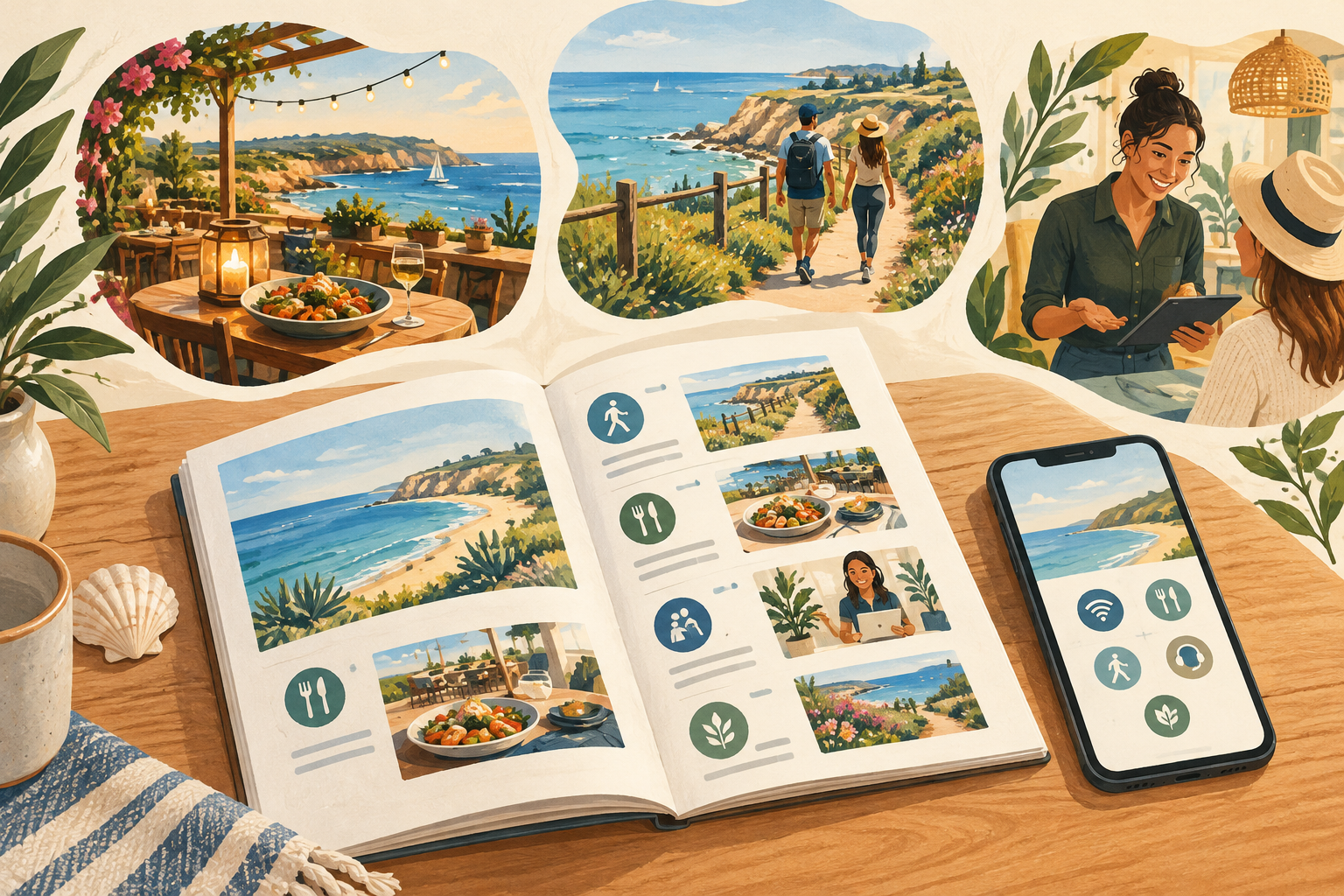
A good vacation rental welcome guide answers the Wi-Fi question immediately. A better one also helps guests decide what to do when they arrive hungry, have an unexpected free afternoon, or need help with something that is not working.
That does not mean adding more pages. It means giving information a clear structure: essentials first, useful choices next, and a reliable route to help throughout. Think of your guide as a small hospitality service, not a filing cabinet.
Keep the essentials first
Guests should not have to scroll past restaurant recommendations to find entry instructions. Put the information needed to settle in at the beginning: access, the property address, Wi-Fi, important safety guidance, and how to contact the host or manager.
Make urgent help distinct from routine questions. Identify the appropriate local emergency contact information and explain which property contact handles non-emergency issues. Do not make a conversational answer or a business recommendation the only route to help.
Give each essential a short, recognizable label. “Connect to Wi-Fi” is easier to scan than “Everything you need for a connected stay.” Warmth belongs in the wording; clarity belongs in the navigation.
Organize around four guest moments
After the essentials, build four clear sections. These are information categories, not fixed itineraries or elaborate experience packages.
• Arrival: entry, parking or transport access, luggage arrangements where offered, and the nearest practical options for food or basic supplies.
• Meals: a small, varied selection that explains the type of meal, relevant location details, and how guests can ask about a table or order.
• A free afternoon: a few possibilities grouped by useful constraints, such as weather, travel requirements, accessibility information, or whether advance contact is needed.
• Help: property troubleshooting, the right contact for unresolved issues, and guidance on what to do outside normal response hours.
Keep the same structure across properties, but do not copy details blindly. A parking instruction, walking route, or delivery arrangement must belong to that specific property.
Replace bare recommendations with decision-ready notes
Consider this fictional dinner example, included only to illustrate the writing approach.
Before: “Try Harbor Table. Great food!”
After: “Harbor Table is a fictional casual dinner option for guests who want a seated meal rather than takeaway. Access: use the main-road entrance; ask the restaurant directly about step-free access. Contact: use the restaurant’s current official contact channel to ask about opening hours, dietary needs, and reservations. Confirmation: a request is not a confirmed table; wait for the restaurant’s reply.”
In a real entry, replace the fictional details with checked information and a current contact link. Add a host note explaining why the option is included, such as suitability for an unhurried dinner, without presenting personal preference as a universal promise.
For a massage recommendation, the same structure applies: explain the service, ask whether the provider serves the property’s location, identify the contact route, and make clear that arrangements require confirmation.
As a Costa Rica sourcing example, a host could consult WellFred’s Uvita location page. Treat it as a starting point, not proof of provider vetting, availability, prices, or coverage. Confirm the service area directly yourself before recommending it for your property.
Separate public information from guest-only details
A public property listing can share neighborhood character, broad transport considerations, and examples of nearby activities. It should not expose access codes, private contact details, security procedures, or instructions intended only for confirmed guests.
Keep those details in the appropriate guest-only channel. Review sharing settings and remember that a link or QR code can be forwarded; neither automatically makes sensitive information private.
Chucho, the in-property concierge, can support that information journey without becoming the focus of every page. Chucho Go gives guests a phone guide through a link or QR code before and during their stay. Host picks carry host notes, preserving useful property-specific context. Where an in-property screen is helpful, the optional Chucho Stay tablet provides another access point.
Integrated local services depend on partner coverage for the property. Whatever format you choose, give guests a clear route to the business and explain how they will receive confirmation.
Make English and Spanish equally usable
Maintain the same headings, essential facts, and contact routes in English and Spanish. Translate for understanding rather than word order, while preserving business names and addresses accurately.
Give every section a maintenance owner and a visible last-reviewed date. Review access and safety details whenever they change, and check external recommendations before presenting them as current. Remove uncertain details or label what guests must confirm.
The result should feel lighter, not longer: a welcome guide that gets guests connected, helps them make a decision, and shows them where human confirmation is still needed.
For the local section, follow our step-by-step experiences guide workbook.
Questions
What should appear first in a vacation rental welcome guide?
Start with access instructions, the property address, Wi-Fi, important safety information, and contact routes. Separate emergency help from routine property support, and keep sensitive access details out of public listings.
How much detail should a local recommendation include?
Explain what the option offers, why you included it, relevant access details, and how to contact the business. State what guests must confirm directly, including service area, hours, availability, prices, and any reservation.
How do I keep English and Spanish guides consistent?
Use matching sections and maintain the same essential facts in both languages. Assign an owner to each section, show its last-reviewed date, and update both versions whenever access, contacts, or recommendations change.