ChatGPT Travel Planner: Find a Vacation Rental With Chucho
Use Chucho in ChatGPT to explore participating published vacation rentals, refine a shortlist and reach the host’s booking page. Follow a practical example, understand quote limits and know what still needs checking before you book.
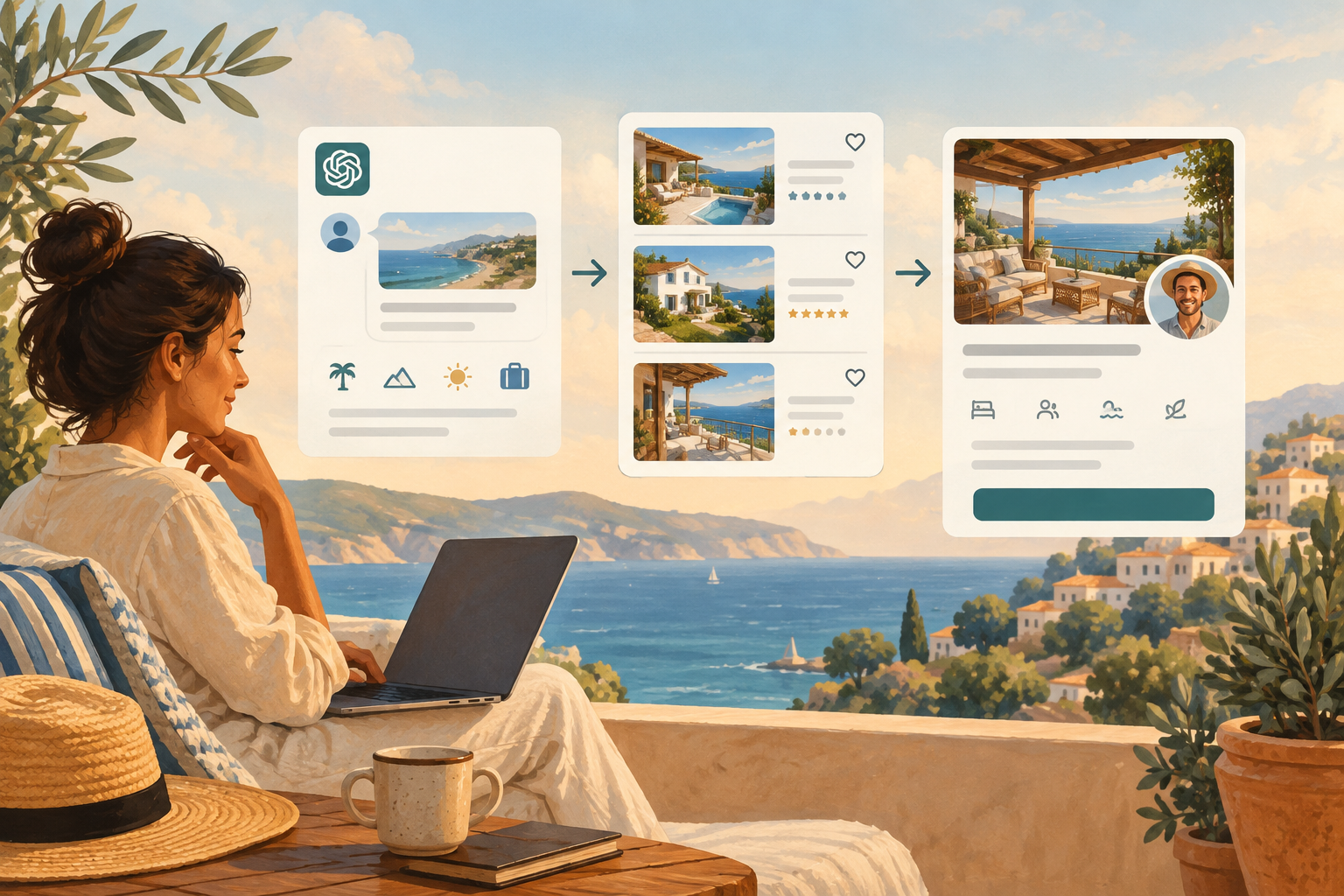
You can use ChatGPT as a travel planner to find vacation rentals through Chucho and reach the host’s booking site. With Chucho connected in ChatGPT, you can look for participating published vacation rentals, compare the information available and open a host’s link when you are ready to investigate booking. Searching does not reserve a property, and a quote is not a confirmed booking.
Chucho is the in-property concierge, with public property listings, Chucho Go before and during a stay, and optional in-property tablets. This walkthrough focuses on discovery: moving from a concrete trip request to a useful shortlist and then to the host’s website.
The example below is illustrative. It does not describe actual available properties or a live search result.
1. Find and connect Chucho
Search for the exact name Chucho in the ChatGPT directory. Follow the available install or connect action shown there. Interface wording and availability may vary, so use the action presented rather than looking for a particular menu label.
Once connected, explicitly ask ChatGPT to use Chucho for your vacation-rental search. Its scope here is participating published homes, not every rental in a destination. A short result list—or no result—does not establish that the destination has no suitable accommodation.
If you prefer to start outside ChatGPT, use Chucho’s guest discovery page.
2. Start with destination, dates and guests
A useful request combines where you want to go, actual check-in and check-out dates, and the number of guests. Avoid “next spring” or “for a family” when you can provide specifics. Clear dates also matter for supported quote checks.
Copy and adapt this illustrative prompt:
> Use Chucho to find participating published vacation rentals in Lisbon, Portugal, for check-in on 12 April 2027 and check-out on 19 April 2027, for four guests: two adults and two children. We need two bedrooms, a kitchen and Wi-Fi. Show published facts, flag anything missing and include the host’s booking link where available. Do not treat search results as confirmed availability or reservations.
Lisbon is simply the example destination. Replace it with your own location, dates and party size. Add requirements that genuinely determine whether a property works, rather than a long list of preferences with equal weight.
3. Refine amenities without filling in gaps
Your first results may help you sharpen the brief. Perhaps two bedrooms are essential, while a balcony would be pleasant but optional. Say so explicitly.
Use this refinement:
> Refine these results for two separate bedrooms and a kitchen. A balcony is optional. Compare only published facts about sleeping arrangements, Wi-Fi and check-in. If step-free access, lift access or parking is not stated, mark it as unknown rather than assuming it is available.
This keeps a polished description from becoming evidence for something it never promised. “Central location” does not establish walking distances. A photograph of a desk does not confirm a suitable workspace. “Family-friendly” does not explain bed arrangements or whether specific equipment is provided.
For accessibility requirements, ask about the precise feature you need and seek confirmation before booking. Missing information is a question to resolve, not a positive or negative fact about the property.
4. Build a shortlist from published facts
Ask for a concise comparison of the properties actually returned, without inventing options to complete a list. Three useful candidates are better than five padded entries, and fewer may be all that the search supports.
For each candidate, request:
• The published property name and host link, if available.
• Guest capacity, bedrooms and sleeping arrangements as stated.
• Which essential amenities are explicitly listed.
• Important missing details and questions for the host.
• Any supported quote result, clearly separated from descriptive information.
You can also ask why each candidate fits your stated requirements. That explanation should refer to published facts, not claim that a property is verified, insured, the best choice or guaranteed to save money. A shortlist is a decision aid, not an endorsement.
5. Treat price checks as provisional information
Where supported, request a quote for the same dates and guest count used in your search. If either changes, ask for a new check rather than relying on the previous result.
Quote information may be partial or unavailable. Ask what the returned amount covers and which elements remain unspecified, such as taxes, cleaning charges or deposits. Do not assume an omitted charge is zero, or that a displayed amount is the final payable total.
A quote check reserves nothing. It should not be interpreted as proof that dates are held, that a reservation exists or that a complete price is confirmed. If no quote is available, the host’s booking page is the next place to check—not a reason to invent an estimate.
6. Open the host’s page before committing
Follow the host link and confirm the exact property, dates, guest count and sleeping arrangements. Review the final total, cancellation policy, payment schedule, house rules, check-in conditions and any required deposit.
Keep these three stages distinct:
• Searching: exploring published listings and comparing information.
• Enquiring: asking questions or requesting clarification; this does not itself reserve a stay.
• Reserving: completing the host’s booking process under the terms presented there.
Final terms and payment stay on the host’s site. Do not assume that a ChatGPT conversation or Chucho quote has completed checkout.
7. Another discovery route, not a booking promise
For guests, the practical benefit is a clearer path from a trip brief to published property information and the host’s booking page. Start at Chucho discovery if you want to explore outside ChatGPT.
For your price comparison, see what to compare before booking direct.
Questions
How do I find and connect Chucho in ChatGPT?
Search for the exact name Chucho in the ChatGPT directory and follow the available install or connect action. Then ask ChatGPT to use Chucho to search participating published vacation rentals. Interface wording and availability may vary.
What information do I need for a supported quote check?
Provide actual check-in and check-out dates and the guest count for the property you want to check. Quote checks are available only where supported, and returned information may be partial or unavailable. A quote reserves nothing.
Does a shortlist or quote mean my stay is booked?
No. Searching compares published information, and enquiring requests clarification. To reserve, complete the host’s booking process and review the final terms and payment on the host’s site.
Can I browse before choosing dates?
Yes. Ask Chucho to explore published homes using your destination and requirements. You can browse without prices, then provide dates and guest count when you want a supported quote check.